YT-DLP WebUI Features — Browser Downloads, Playlists & Automation
Every YT-DLP WebUI feature — browser-based downloads from 1000+ sites, playlist monitoring, presets, scheduling, webhooks and rebranding.
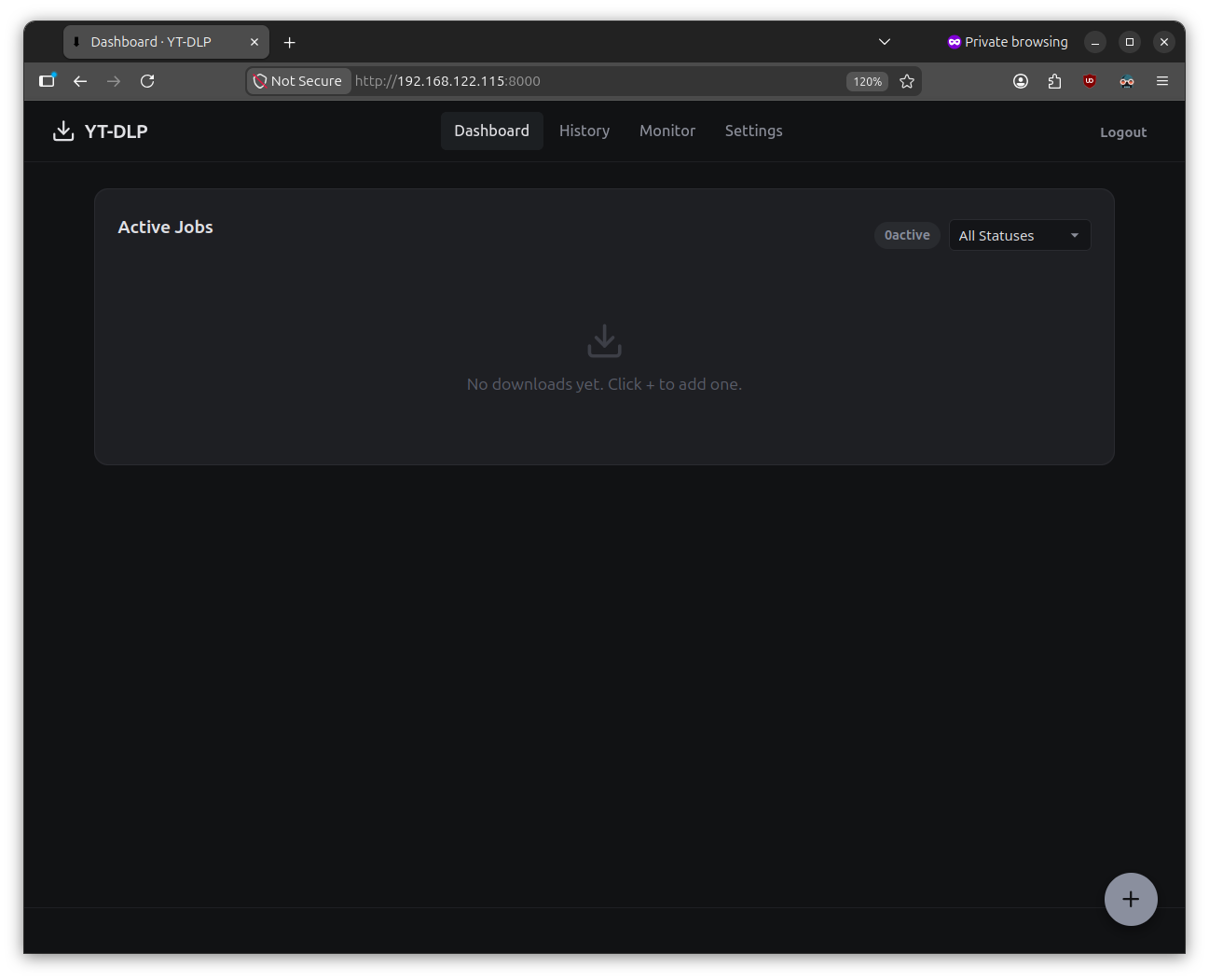
YT-DLP Web is a self-hosted web application that gives you a clean, modern browser interface for yt-dlp — the powerful downloader that supports 1000+ websites including YouTube, Vimeo, Twitter, TikTok, Instagram, Twitch, and many more.
Instead of typing cryptic command-line arguments, you just paste a URL, pick your quality, and click download. That’s it.
| Guide | What you’ll learn |
|---|---|
| ✨ All Features | Every feature explained — what this app can do for you |
| 🚀 Getting Started | Install and run the app in under 5 minutes |
| ⚙️ Configuration | Customize everything — .env file, settings, rebranding, HTTPS |
| 🎯 Usage Guide | How to download, use presets, monitor playlists, and more |
| ❓ Troubleshooting | Common problems and how to fix them |
| You want to… | Here’s how |
|---|---|
| Download a YouTube video | Paste URL → pick preset → download |
| Save audio from a video | Use the “Audio Only” preset |
| Keep up with a playlist | Set up playlist monitoring → auto-downloads new videos |
| Schedule a download for later | Create a scheduled job with a future time |
| Get notified when downloads finish | Enable webhook or email notifications |
| Make it your own app | Change name, logo, favicon in .env |
Every YT-DLP WebUI feature — browser-based downloads from 1000+ sites, playlist monitoring, presets, scheduling, webhooks and rebranding.
Install YT-DLP WebUI on your server in under 5 minutes — Python prerequisites, setup, configuration, and your first download from 1000+ …
Configure YT-DLP WebUI — the .env file, web UI download settings, rebranding, and HTTPS setup for your self-hosted server.
Use YT-DLP WebUI day-to-day — video and playlist downloads, quality presets, history, scheduled jobs and playlist monitoring.
Fix YT-DLP WebUI errors — failed downloads, ffmpeg issues, TLS errors, and frequently asked questions for self-hosted setups.
Fix YT-DLP WebUI OpenSSL and TLS handshake errors caused by outdated certificates or missing curl-cffi impersonation packages.